
How to Stop Manually Entering Vendor Invoices Into Your Back-Office System
Reduce human errors and quickly entering your vendor invoices
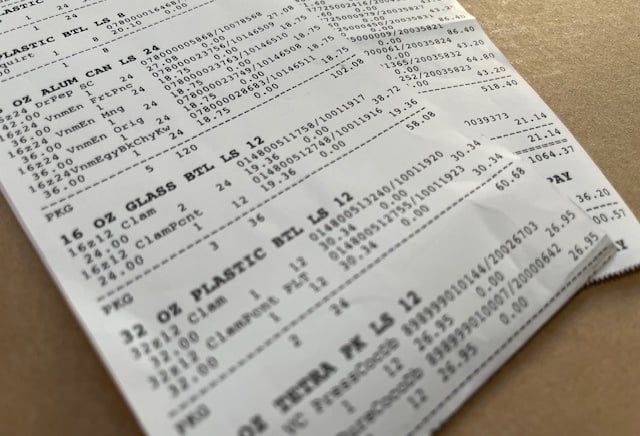
If you run a convenience store that receives deliveries from Frito Lay, Coca Cola, or any of your local distributors you already know the routine. The delivery driver drops off the goods, hands you a invoice — or maybe it arrives by email — and now someone on your team has to sit down and enter every single line item into Series2K or your back-office system by hand.
Every bag of chips. Every case of popcorn. Every drink. Every Snack. Every price change.
It's tedious. It takes time. And it's the kind of work that's easy to fall behind on — until suddenly your prices are wrong on the shelf or your inventory numbers don't match.
There's a better way. This guide explains exactly how invoice automation works for convenience stores using custom invoice process into Series2K or your back-office system, and how you can set it up for your vendor deliveries today.
The minimum requirement is having a PDF copy of your invoices and that's it! We provide the customization to process your invoices so you don't have to manually enter them or scan them into your back-office system. We will do the rest.